Free · Available now
Byteframe
for Mac.
Your GitHub year, your AI plans and your day, on a Liquid Glass card that lives on your desktop. Design the pages. Byteframe keeps them fresh.
Apple silicon · macOS 26 · Notarised by Apple
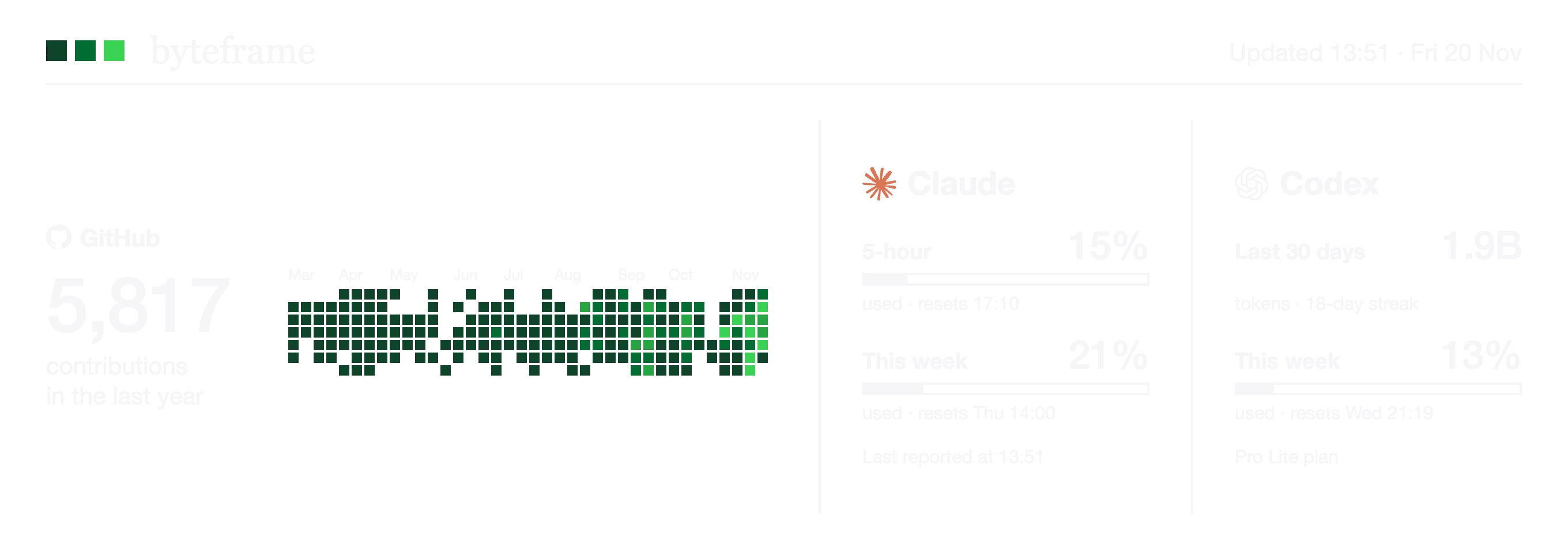
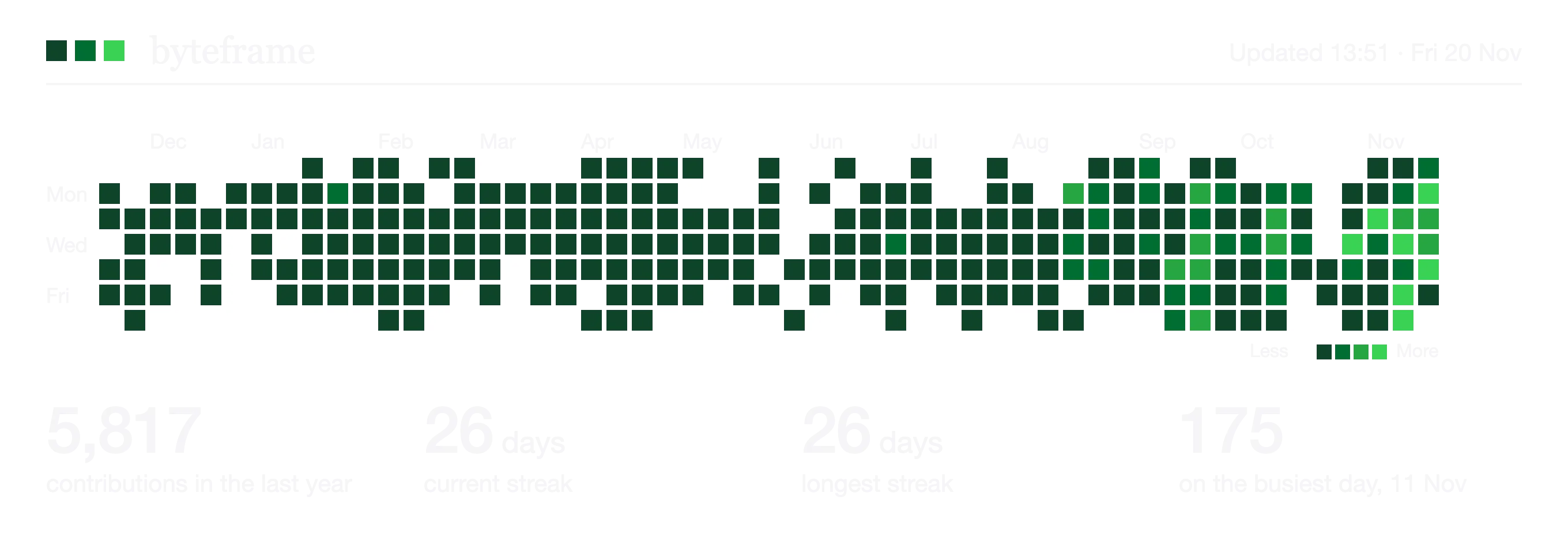
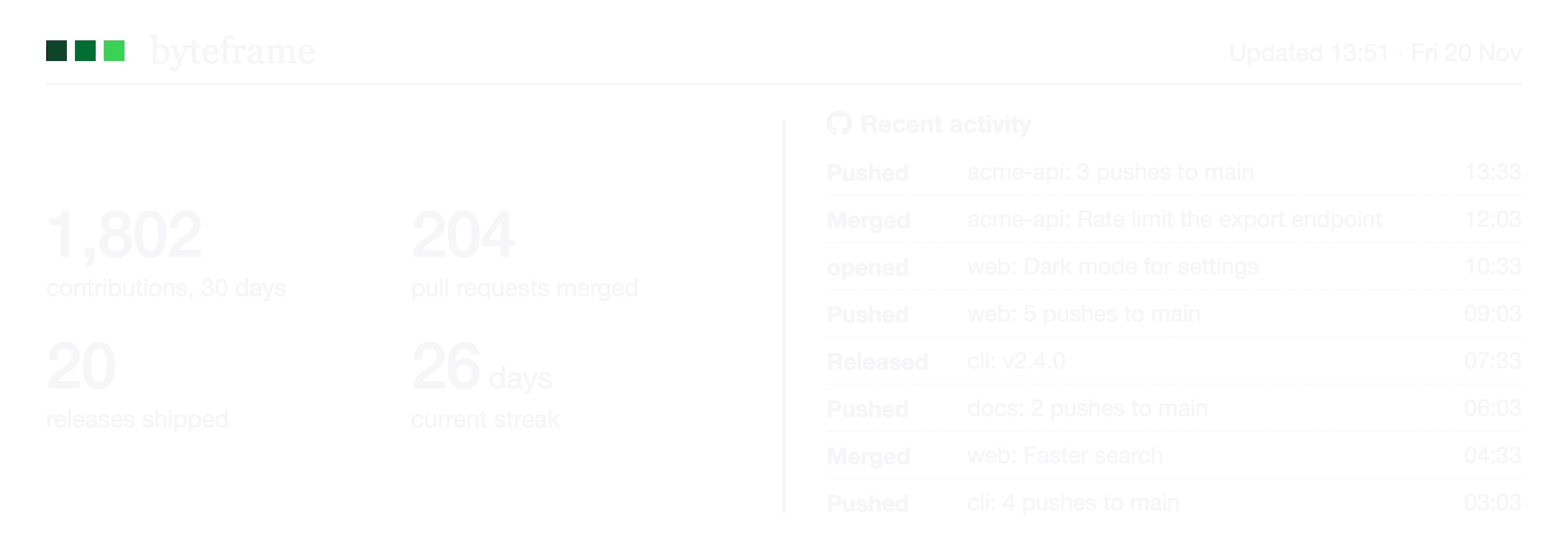
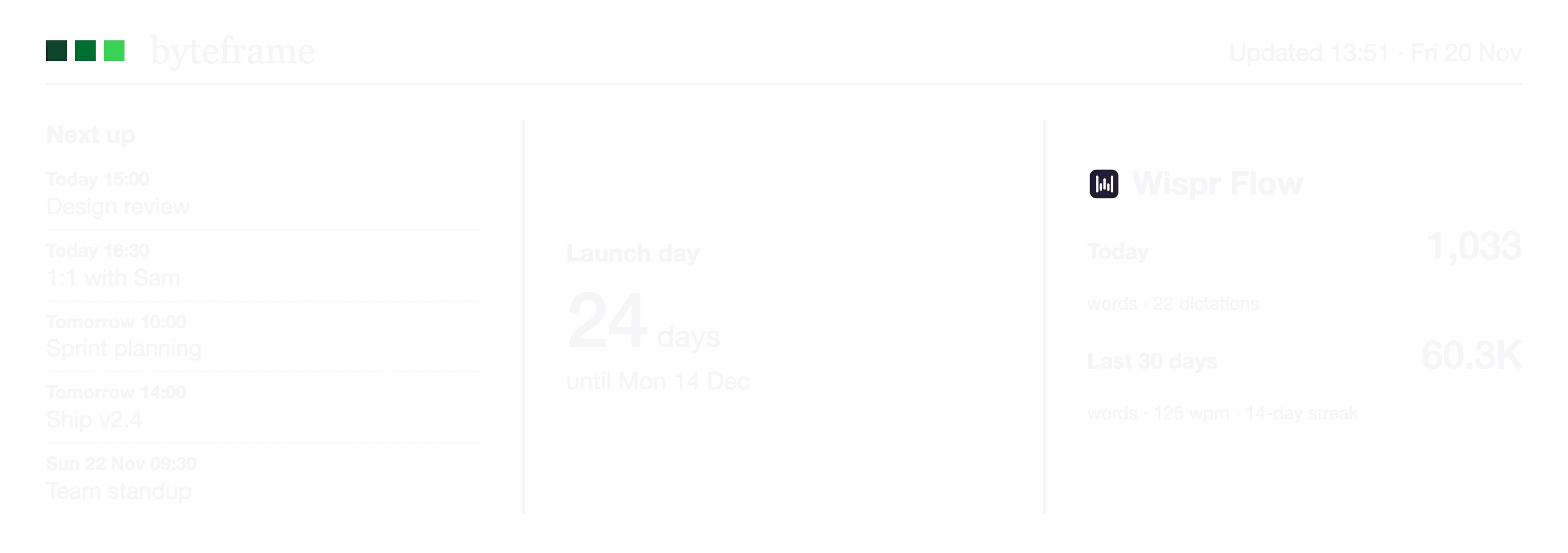
Example data
01 · Looks
Three looks. One click.
Mono for calm, Colour for a greener year, and Panel Pixels to see exactly what the e-paper frame will draw, dot for dot.
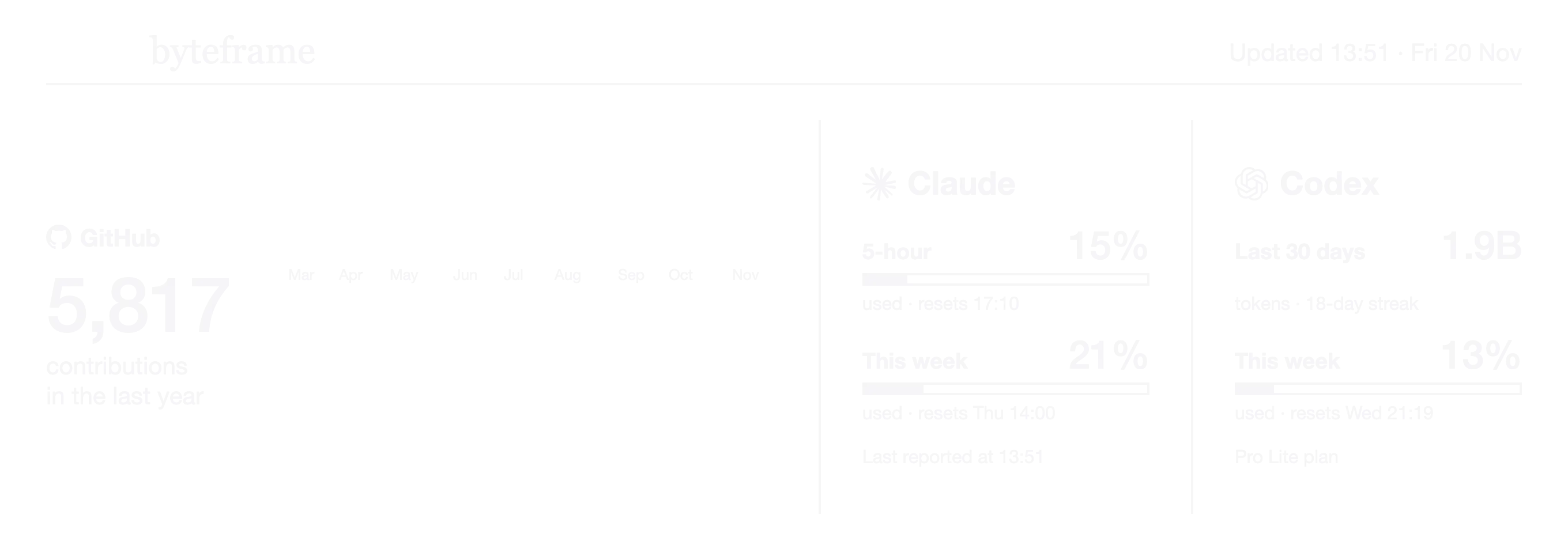
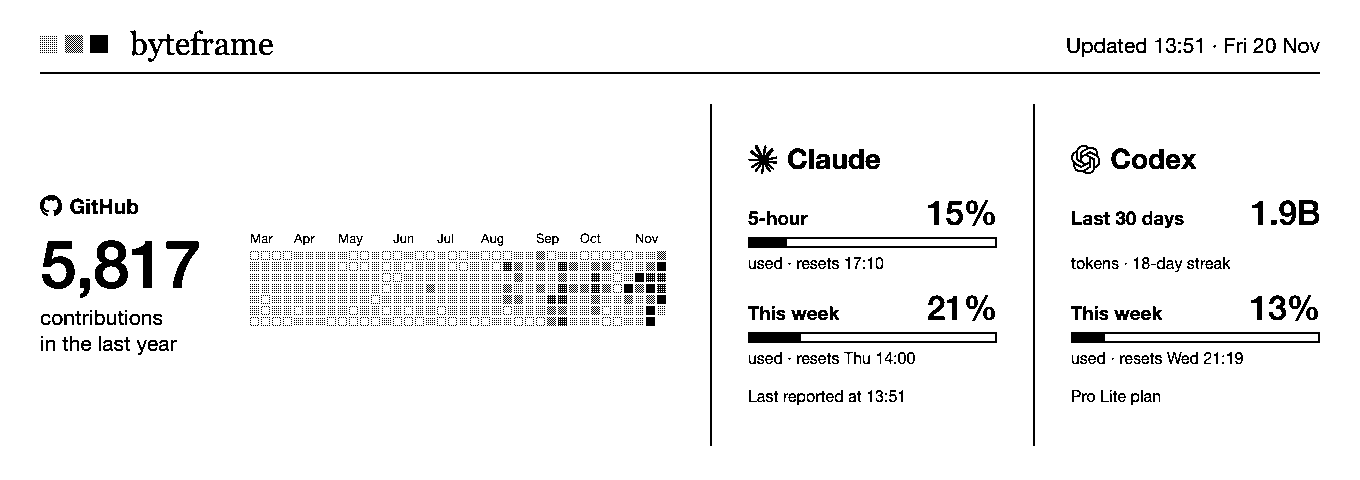
Colour: the calendar in five greens, like GitHub. ⌘K switches Mono and Colour.
02 · Your pages
Design every page.
Edit Layout (⌘E) is a proper Mac editor. Pick a layout, click a slot, choose a widget. Undo, redo, duplicate, reorder. Byteframe redraws as you go.
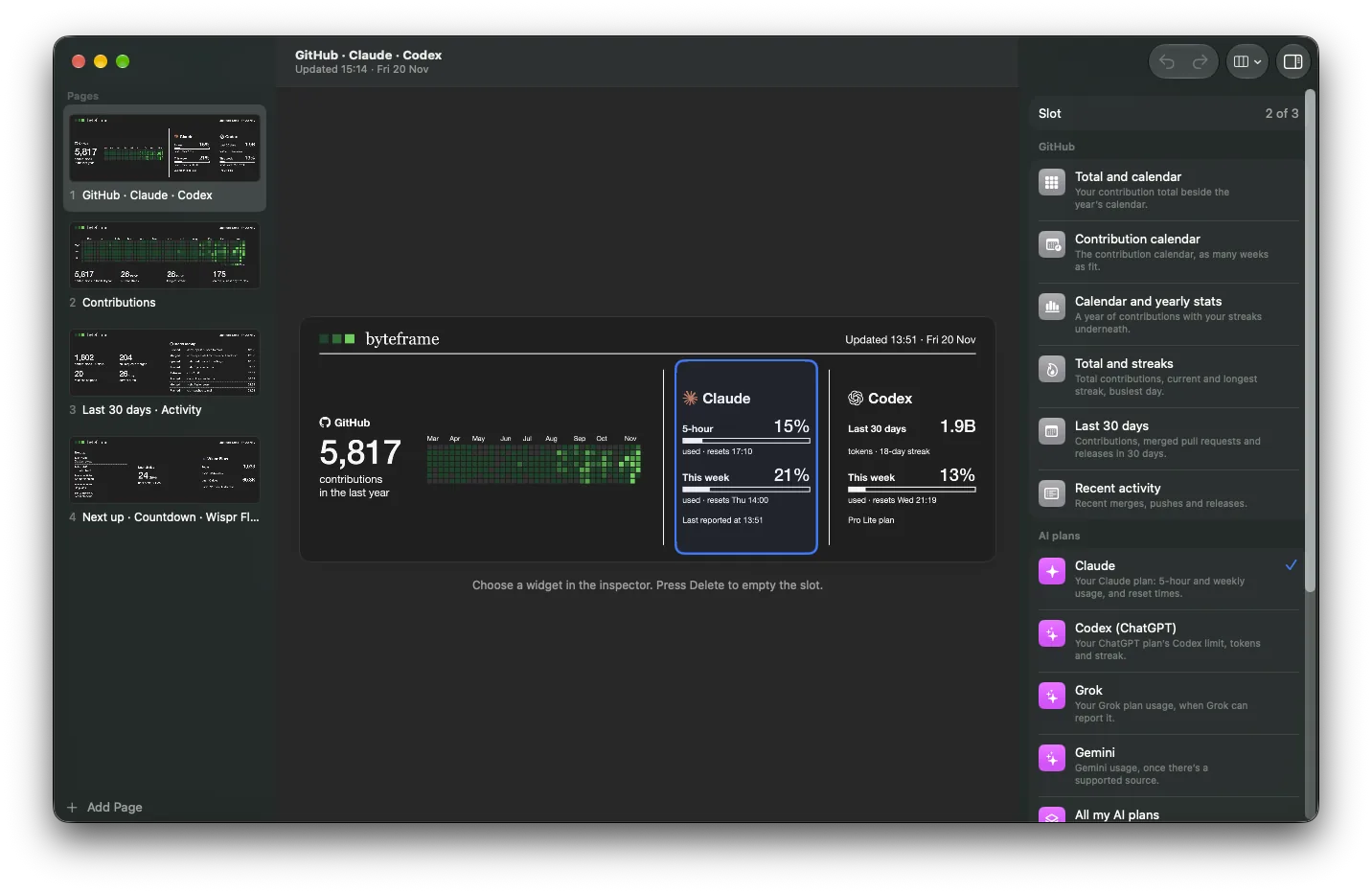
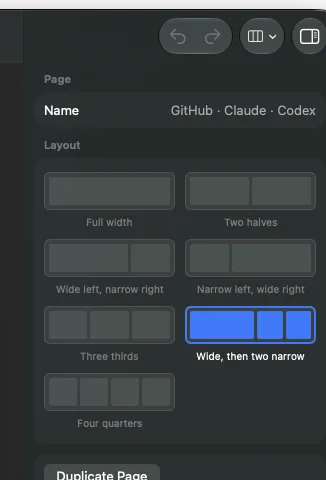
Seven layouts
From one full-width widget to four side by side, each drawn for the frame’s 2.83 : 1 shape.
- Full width
- Two halves
- Wide left
- Wide right
- Three thirds
- Wide, then two
- Four quarters
Fifteen widgets, and counting
03 · Motion
Pages that turn themselves.
Click the card for the next page, or let it cycle every 30 seconds, minute, 5 or 15 minutes. Pick how it turns.
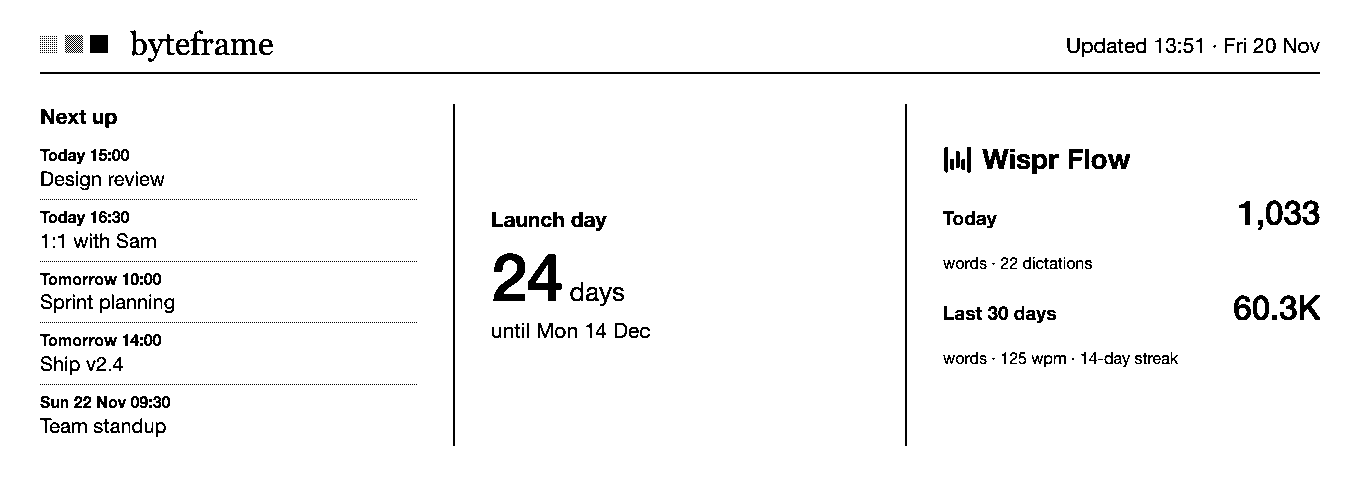
04 · Sizes
From a corner of your desktop to all of it.
Small, Medium and Large sit just above your desktop icons. Full Screen turns the wallpaper into Byteframe, with as many pages as fit, behind everything else.
Drag it anywhere · Keep above other windows · Every Space
05 · Set-up
Ready in a minute.
A short welcome finds the tools on your Mac, sets up Claude in one click, and builds your first pages from what you use.
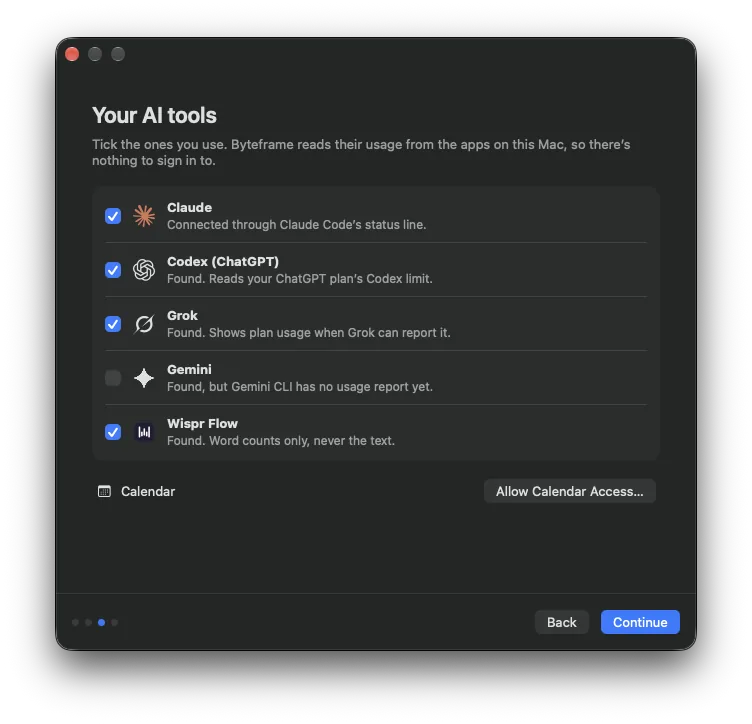
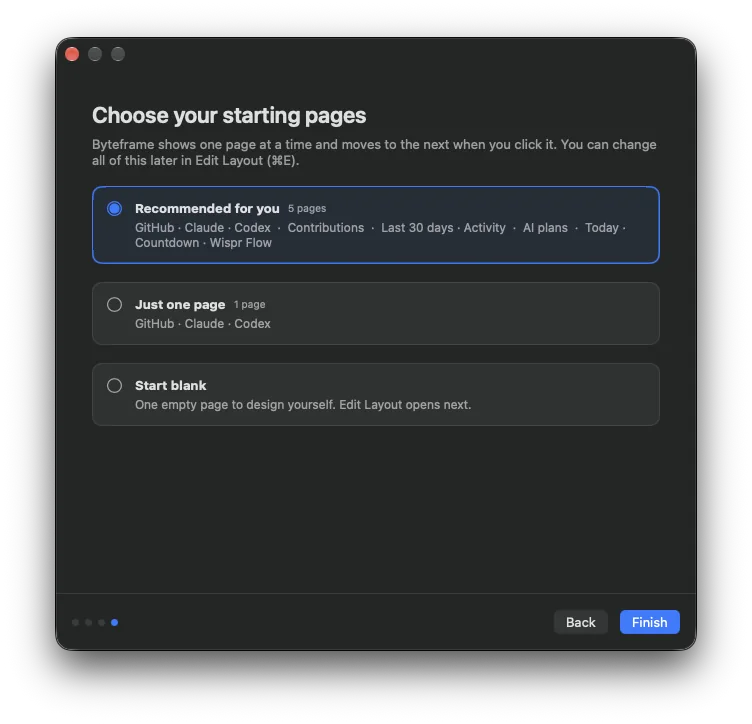
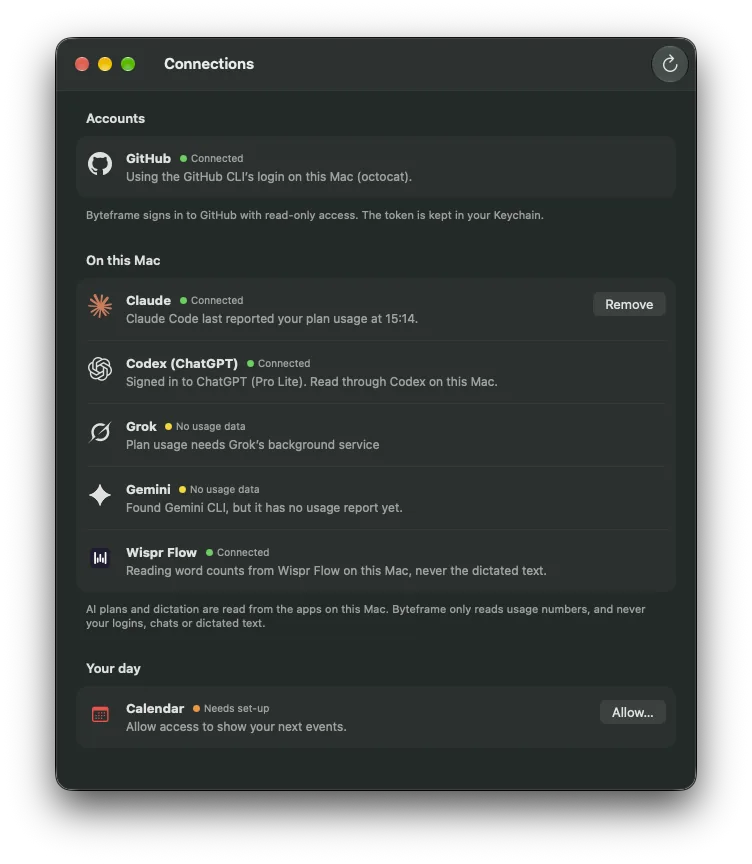
Connections, in plain words.
One window (⌘,) shows every source, what Byteframe reads from it and whether it’s working, with the one action that fixes it.
- Reads
- Usage numbers, word counts, event times
- Never reads
- Code, prompts, chats or dictated text
- Sends to us
- Nothing
06 · Details
The small things.
- Lives in your menu bar
No Dock icon. Every action sits in the menu, with a shortcut.
- ⟳Fresh every 30 minutes
And on wake, or whenever you press ⌘R. If a refresh fails, the last good page stays up.
- ↓Tells you about updates
Byteframe checks for new versions once a day and tells you when one’s out.
- ✓Signed and notarised
By Duskworks Labs Ltd, and checked by Apple. It opens without warnings.
- ◐Light and dark
Ink and glass follow your Mac’s appearance, automatically.
- ▢Ready for the frame
The same pages the e-paper frame will show, drawn by the same code.
07 · Questions
Good to know.
What do I need?
A Mac with Apple silicon running macOS 26 or later. For GitHub, the GitHub CLI, signed in once with gh auth login.
Does it cost anything?
No. The Mac app is free.
How does it read my Claude usage?
Byteframe adds a small status line to Claude Code, which reports your plan’s usage percentages and reset times as you work. Any status line you already have keeps working, and you can remove it in Connections.
Does it send my data anywhere?
No. Byteframe reads numbers on your Mac and keeps them there. GitHub data comes straight from GitHub’s API to your Mac. There’s no account and no analytics in the app.
Can it show another tool?
Probably, if the tool can report its numbers. Request an integration and tell us what you’d want to see; the most-requested get built first.
Will it work with the frame?
Yes, that’s the plan. The frame is in development, and the Mac app will send it your pages over your Wi-Fi. Join the waitlist to hear when it’s ready.
Put your work on your desktop.
Free for Mac. Takes a minute to set up.
Apple silicon · macOS 26 · Notarised by Apple