Two limits, not one
On a Claude subscription, Claude Code doesn’t have a fixed number of messages. It has two allowances that refill on their own clocks:
- The five-hour session limit. Your session starts with your first message and resets in full five hours later. Short bursts of heavy work run into this one.
- The weekly limit. A larger allowance that resets once a week. Steady, all-day use runs into this one, and it takes much longer to come back.
According to Anthropic’s help article, Pro and Max plans have both limits, while Ultra plans have only the weekly one. Anthropic doesn’t publish fixed message counts, because what counts is the work: long files, big contexts and agentic runs use more than a quick question.
It’s one pool across Claude
Claude Code shares its limits with Claude on the web, the desktop app and the mobile app. A long chat on claude.ai in the morning leaves less for Claude Code in the afternoon. If a limit arrives sooner than you expected, that’s usually why.
How to check where you are
- In Claude Code: run
/usage. It shows how much of each limit you’ve used and when each resets. - On the web: open Settings, then Usage, on claude.ai.
- When you hit a limit: the message tells you when it resets.
The catch is that you have to remember to look. Most people find out they’re near the weekly limit by running into it, often midweek.
What happens when you hit one
When you reach the five-hour limit mid-task, Claude Code can wrap up the step it’s on before it stops. After that you wait for the reset, or, if you’ve turned them on, use usage credits to keep going. Hitting the weekly limit is the expensive one: it can mean days, not hours.
Pacing yourself
- Watch the weekly number, not just the session. A five-hour wall costs you an afternoon. A weekly wall on a Wednesday costs you the week.
- Keep context lean. Clear or compact long sessions, and point Claude at the files that matter rather than the whole repository.
- Spread heavy runs. If a big refactor can wait until after a reset, the session limit won’t bite.
- Use the right tool for the job. If you have a Codex plan too, splitting work between the two stretches both.
See it at a glance with Byteframe
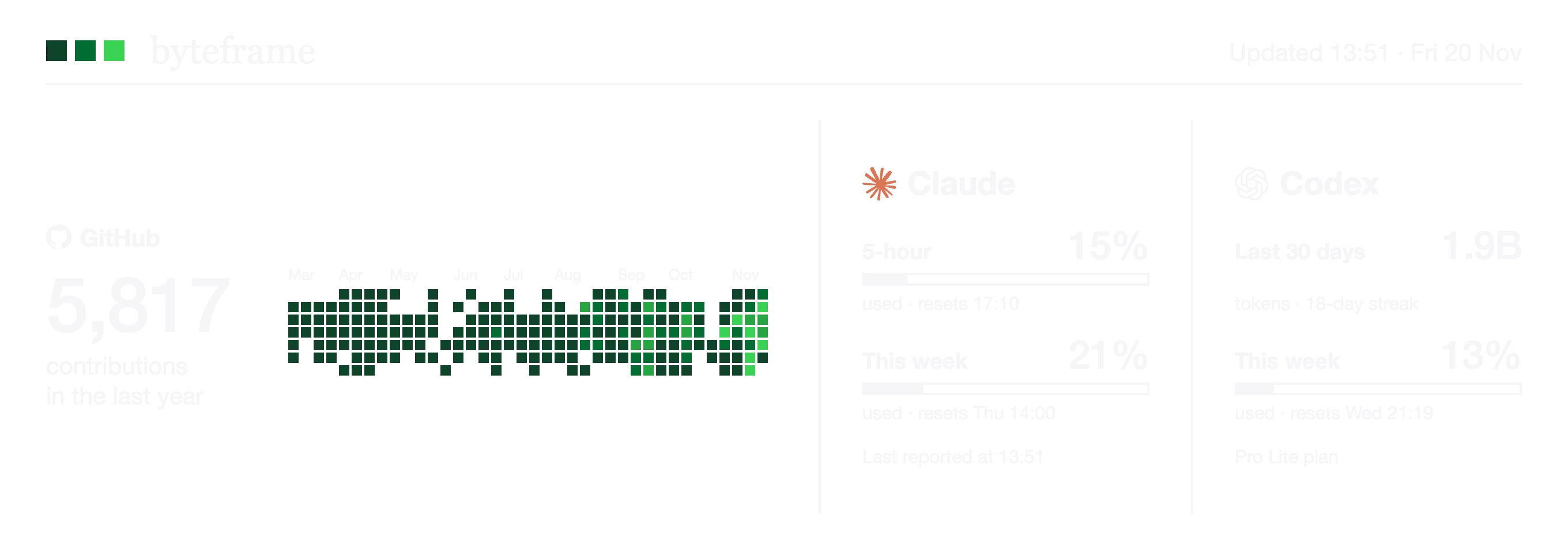
Byteframe’s free Mac app puts your Claude plan on your desktop: the five-hour and weekly percentages, as bars, with the time each one resets. You don’t have to remember to run /usage.
It reads the numbers from Claude Code itself. During set-up, Byteframe adds a small status line to Claude Code that saves your plan’s usage percentages and reset times to a file on your Mac whenever Claude Code updates them. Any status line you already have keeps working. Byteframe never reads your prompts, code or conversations, and never sends anything anywhere.
Two things to know: the numbers update while you’re using Claude Code, so they show where you were at your last session. And because the limits are shared, Byteframe’s figures include your claude.ai use too.